
AI-Assisted Visual Design
Artificial intelligence is rapidly changing how visual content is created. What once required hours of photography, illustration, graphic design, and layout can now begin with a few smartphone photos and a well-crafted prompt.
This page showcases real examples I created, demonstrating how AI can transform everyday objects and ideas into professional-quality visuals for learning, documentation, marketing, and product communication. While the results still benefit from human review and refinement, the speed and creative possibilities have fundamentally changed my design workflow.
AI-Powered Technical Illustrations
Using only a few smartphone photos, ChatGPT can generate professional technical graphics, infographics, and product illustrations that would traditionally require specialized design software or technical illustration expertise.
Robot Vacuum Infographic
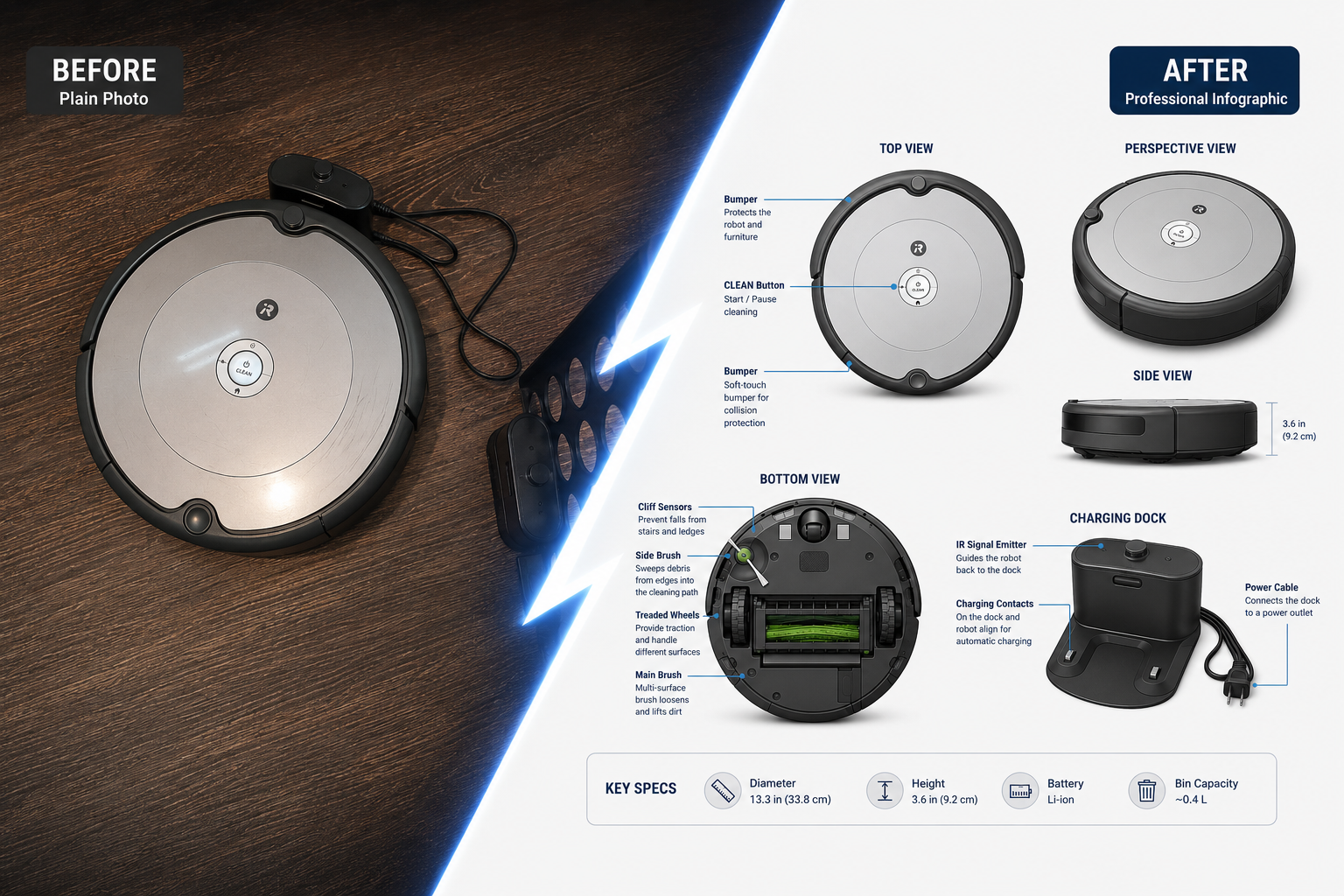
I photographed an older robot vacuum from multiple angles and used ChatGPT to transform those images into a fully labeled infographic showing multiple angels, the charging dock, key components, and even technical specifications. The resulting graphic was created in seconds and can be used for:
Equipment training
Product documentation
Job aids
User manuals
Maintenance guides
eLearning courses
This example demonstrates how AI can rapidly convert real-world objects into professional training visuals without requiring CAD files, engineering drawings, or extensive graphic design work.
Potted Plant Product Infographic
Using a few smartphone photos, ChatGPT transformed a simple household plant into a polished product infographic complete with multiple views, visual callouts, and product information. These are the pictures I took of the plant.
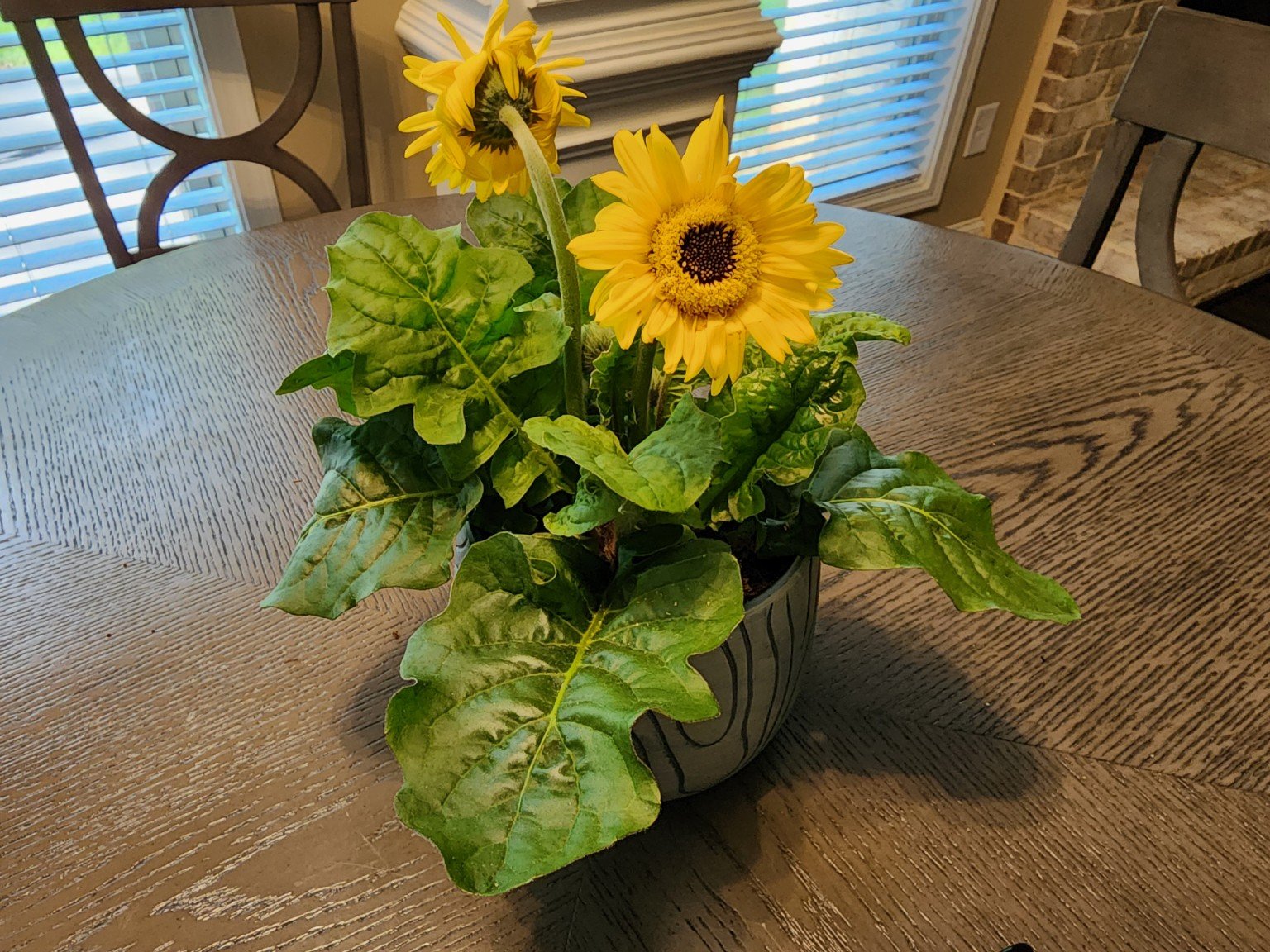
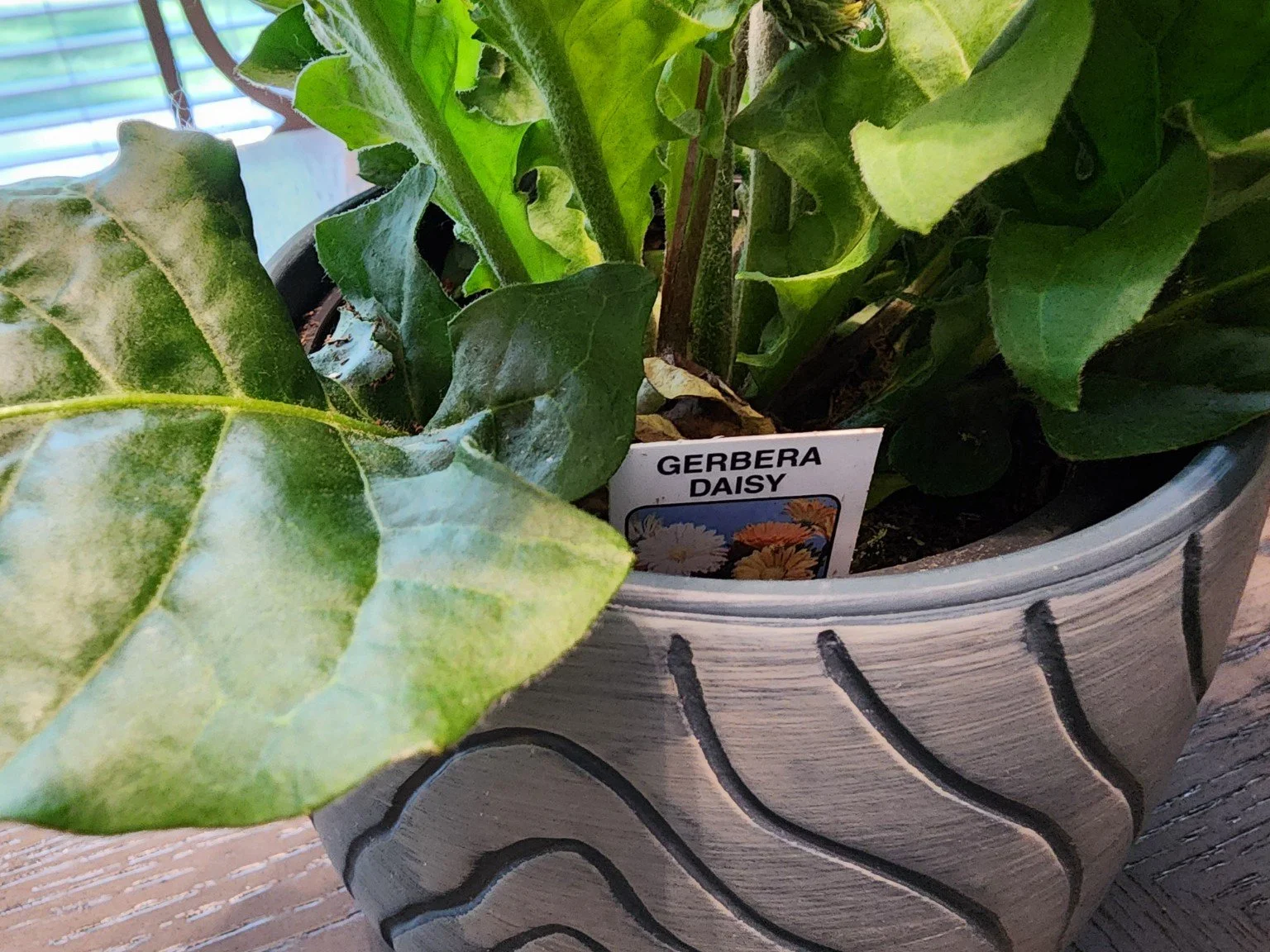
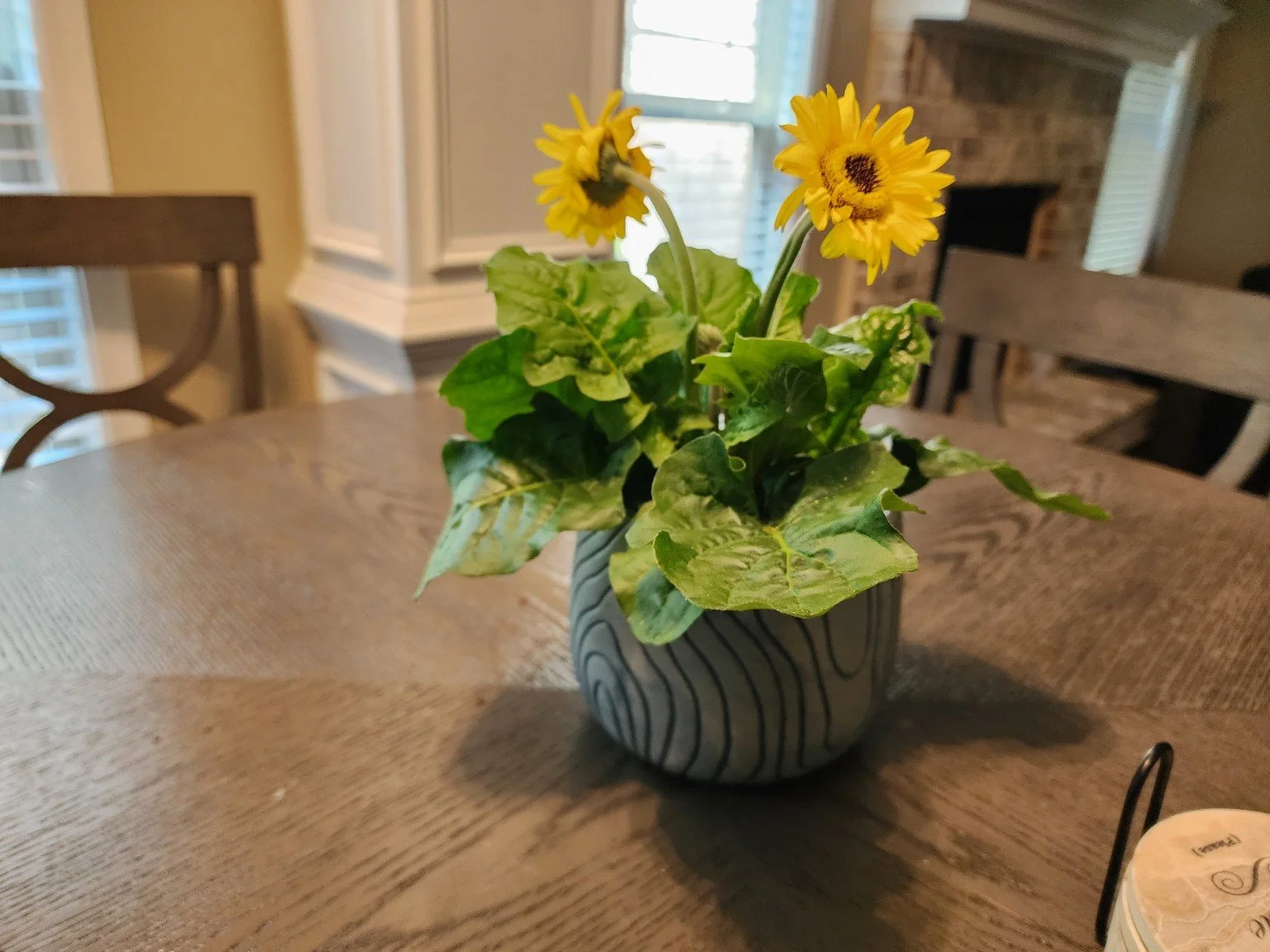
What came out moments later was something truly remarkable. I now have an infographic of my exact plant, the pot it came with, and a care guide to help my plant.
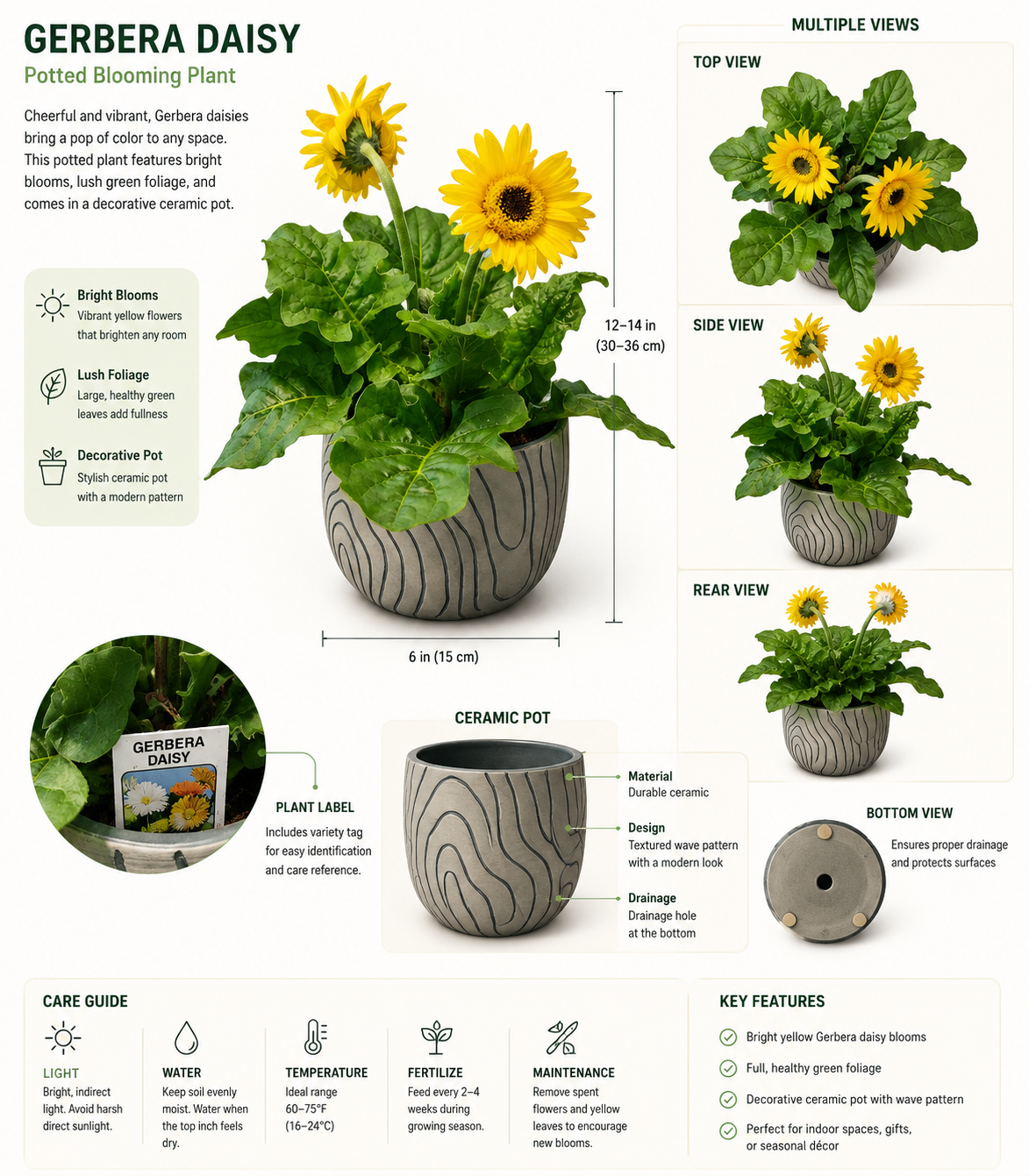
The possibilities that these now presented got me in an absolutely creative spiral. The practical applications of this are absolutely incredible, and I wanted to see how far I could go with this. I thought about what I truly want to learn now that I knew I really could learn anything through a way I truly love - visually aesthetic images. I turned my gaze outside and saw the new smoker my family just bought.
I immediately jumped up, uncovered the smoker, and took these pictures with the prompt, “Can you make an illustration or design model of this smoker that can be used in an infographic?”
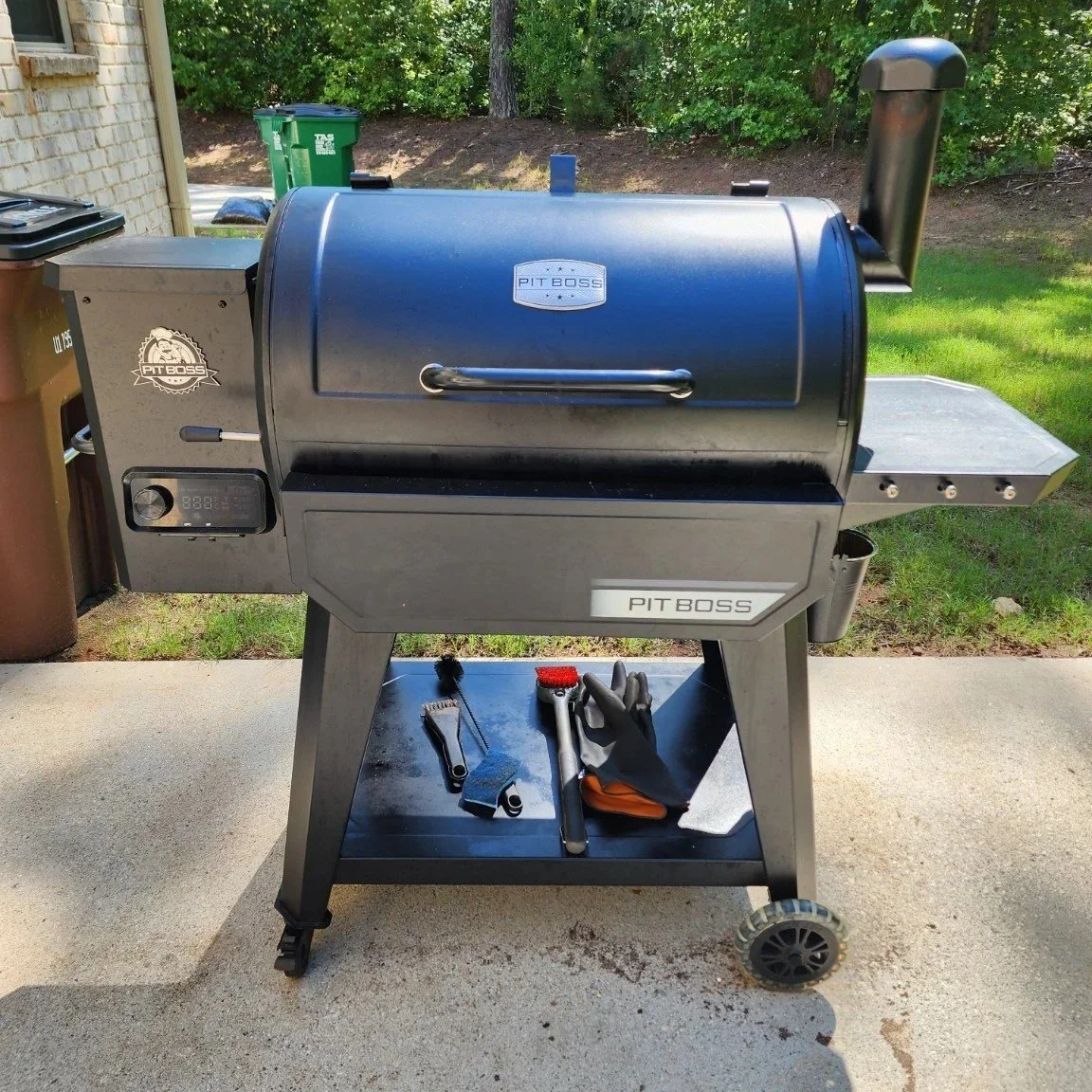
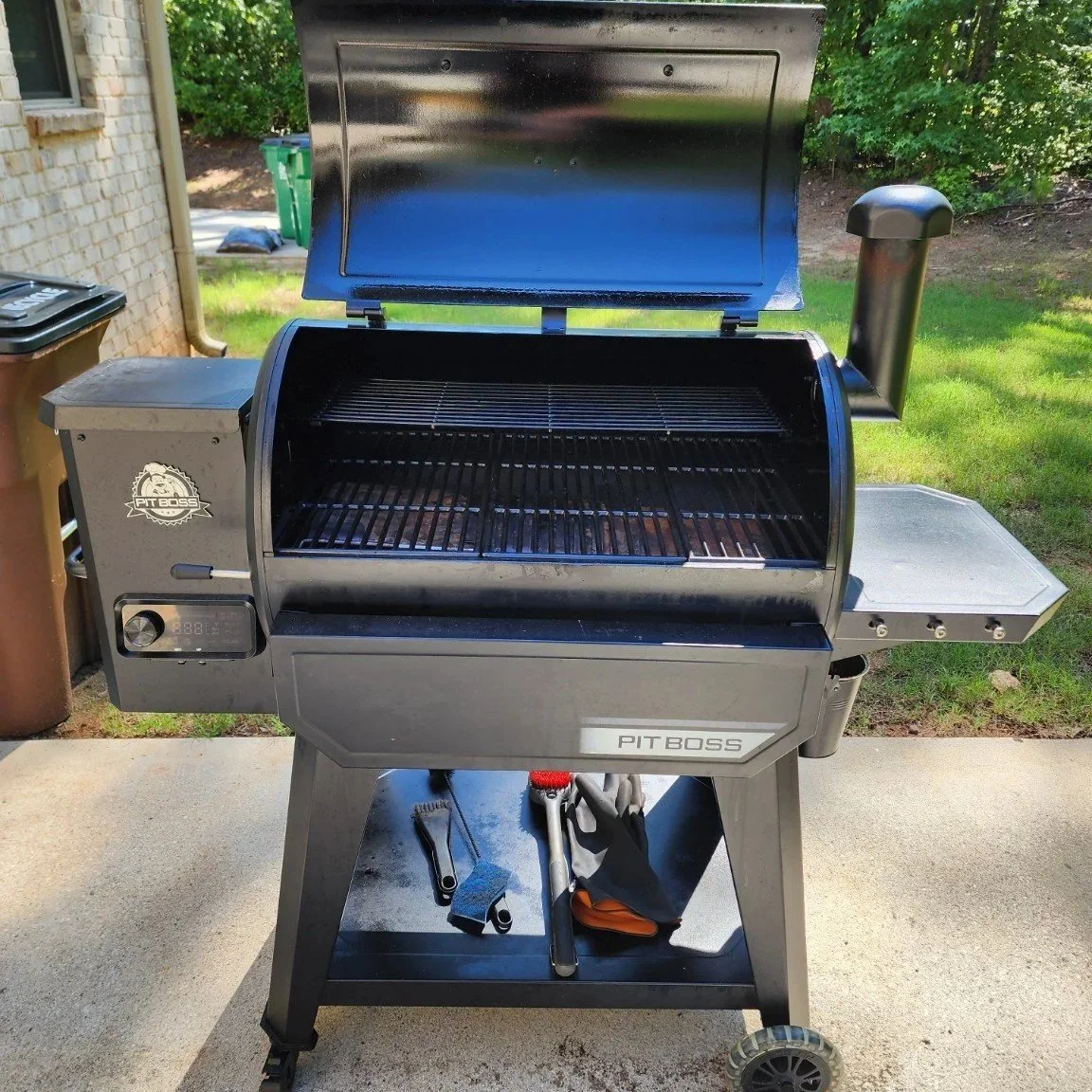
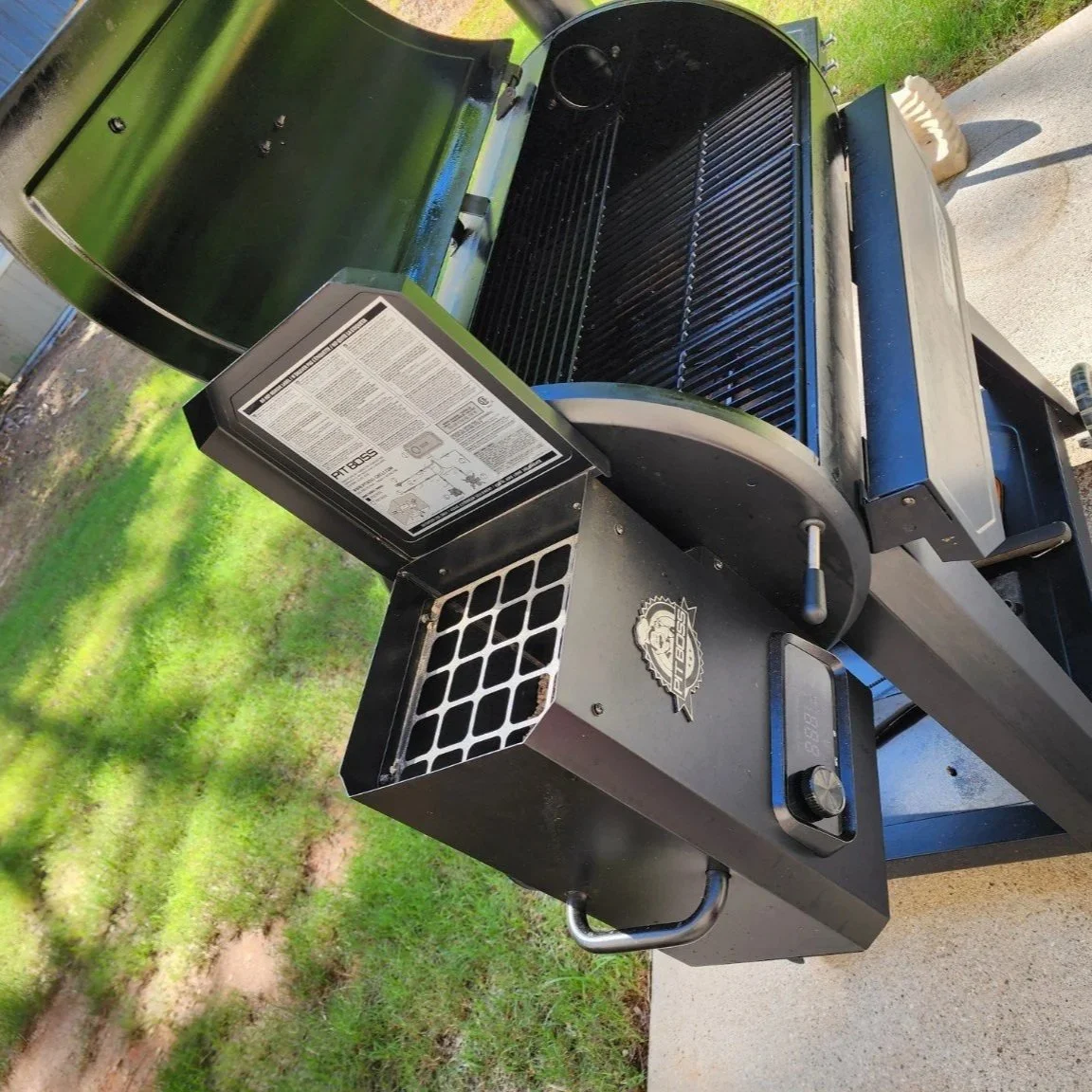
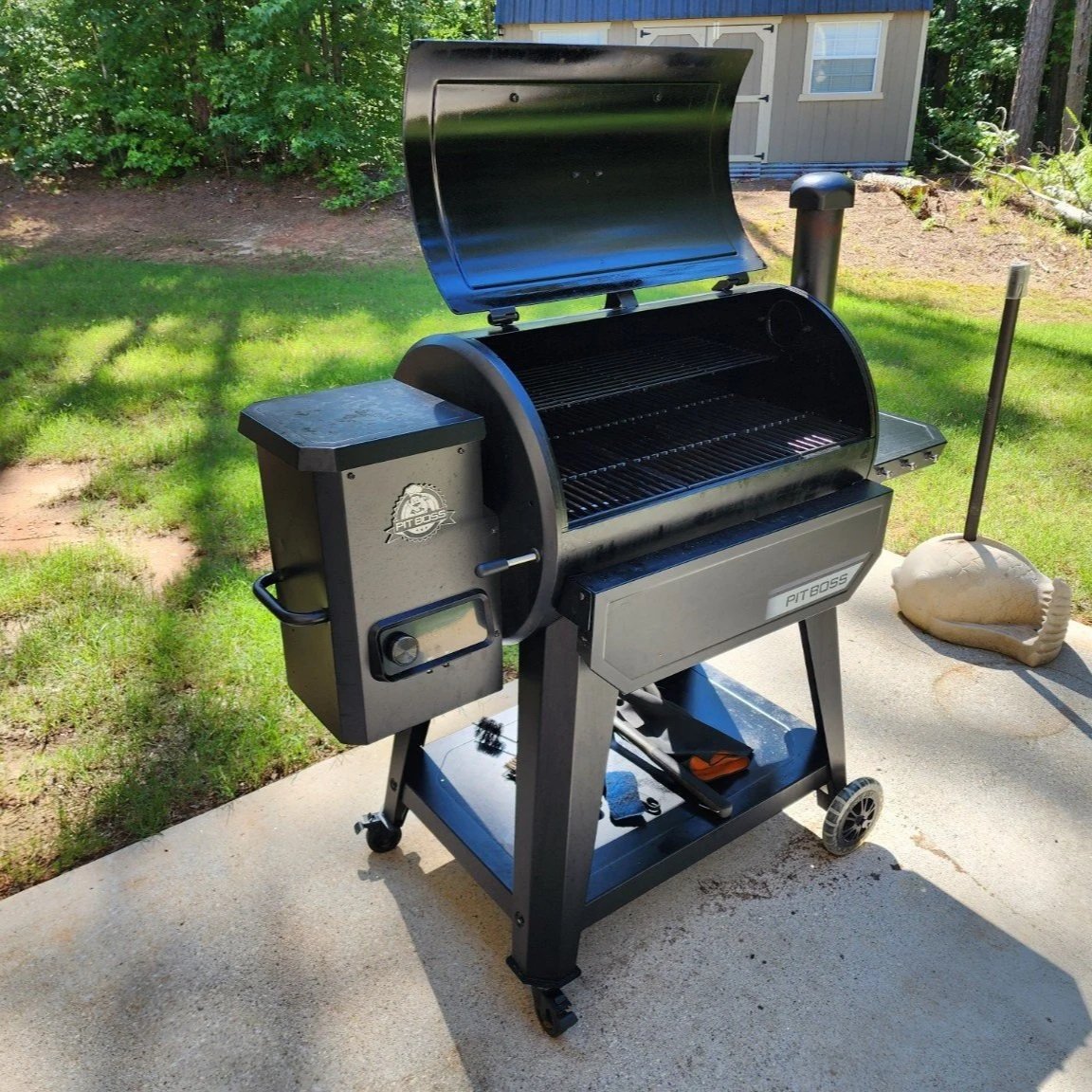
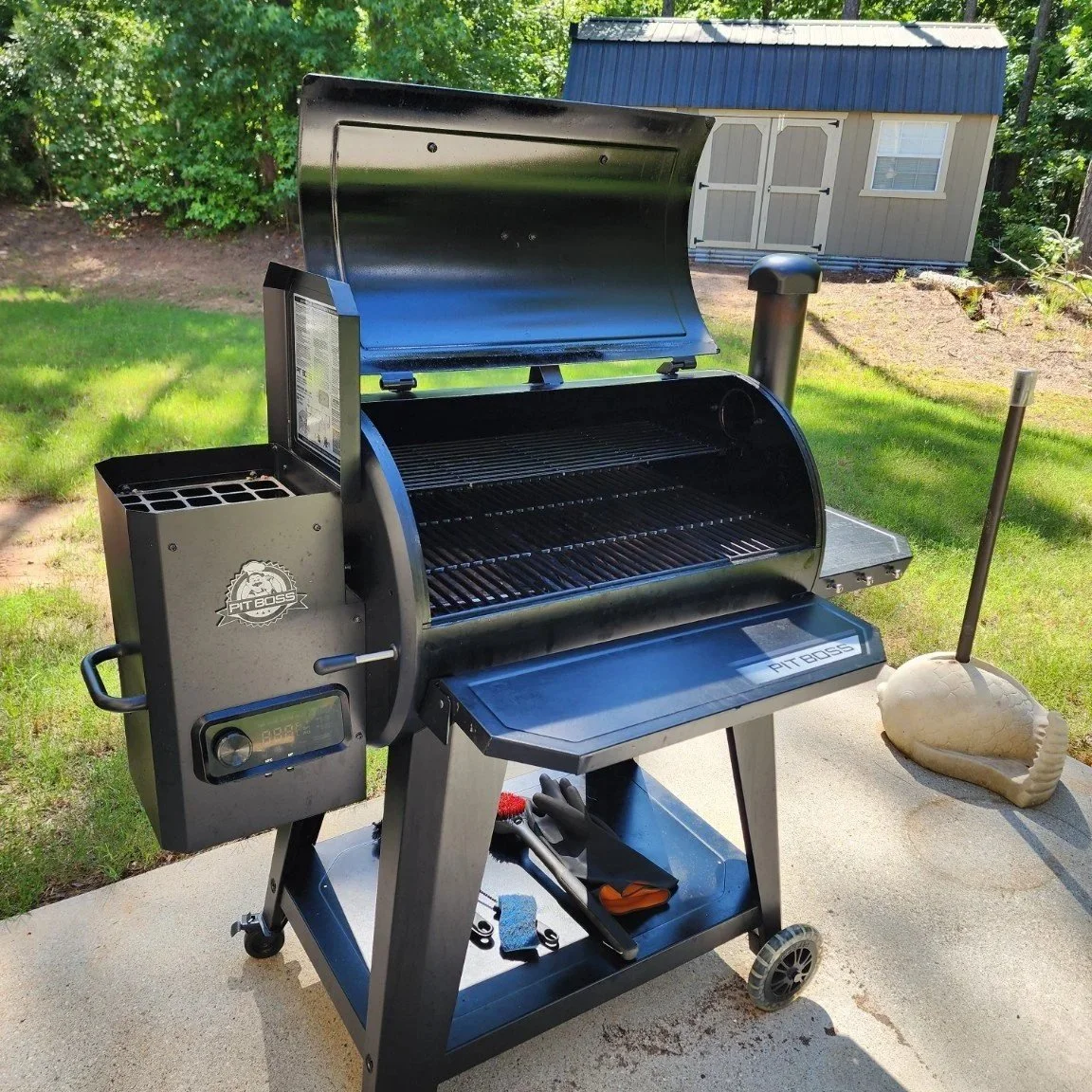
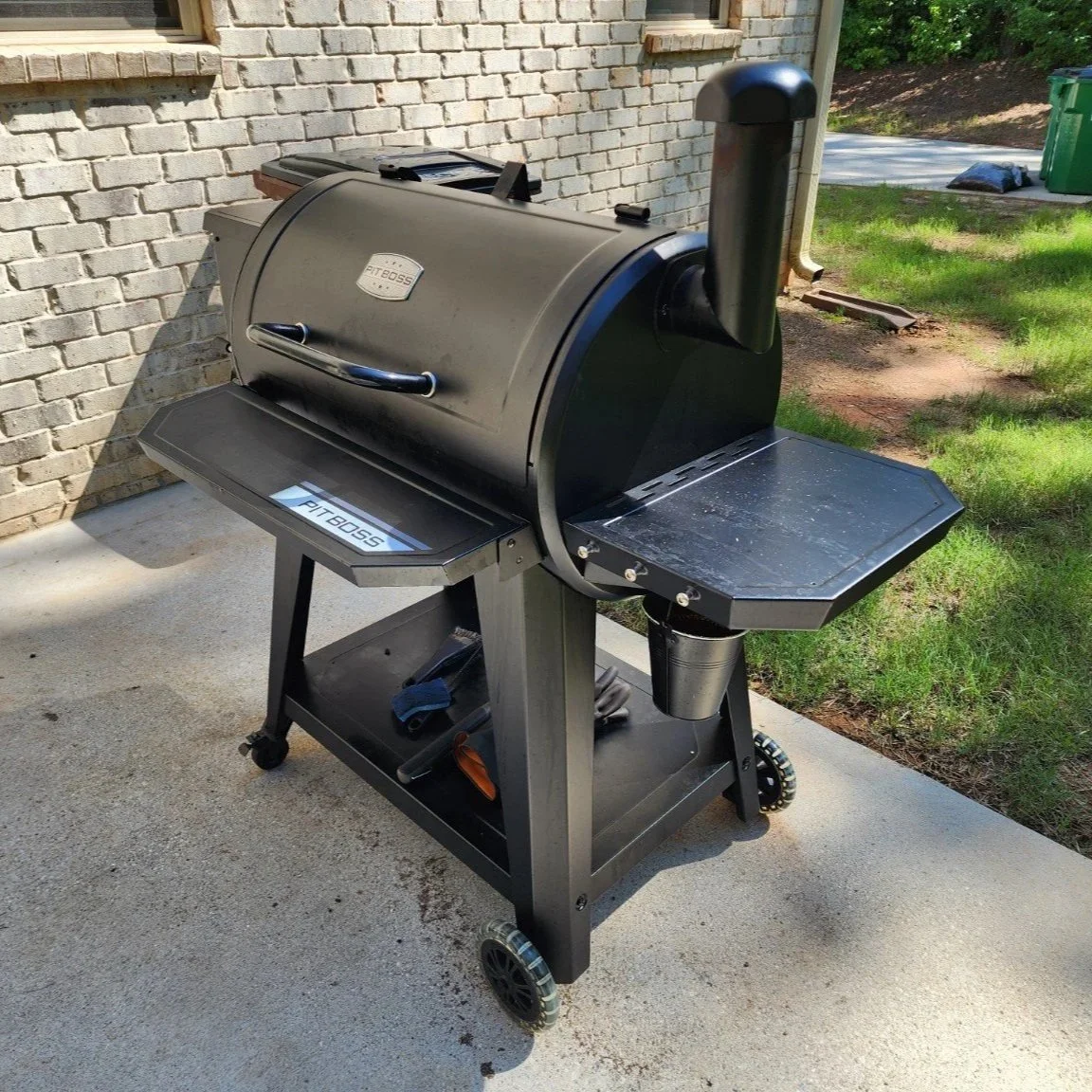
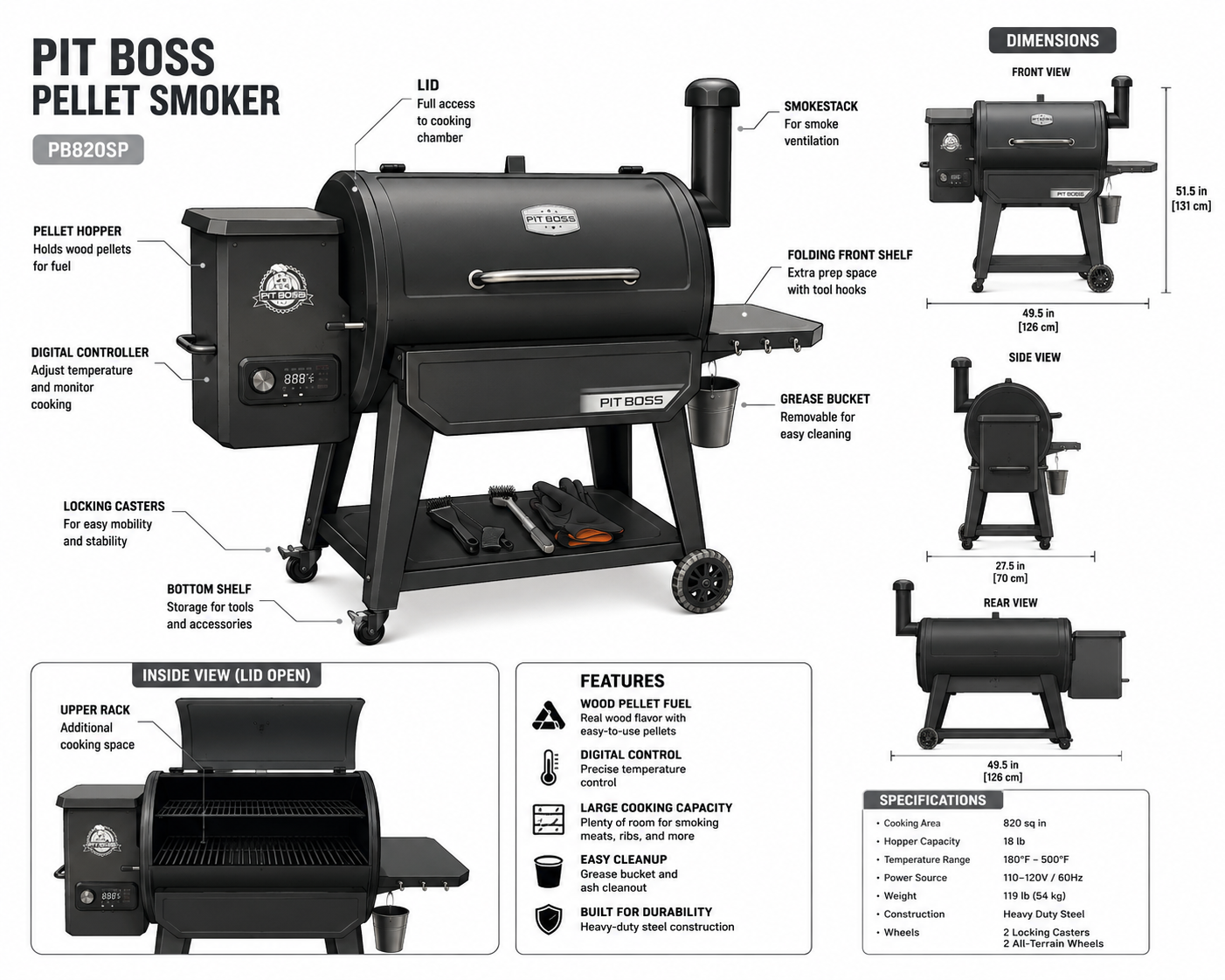
What ChatGPT generated was one of the most beautiful and professional infographics I have seen. I have spent weeks going back and forth with freelance graphic designers to create images like this, and this was made in seconds.
Was it perfect? Not at all! Just like it would be working with a graphic designer, I went back and forth with ChatGPT to get things the way I wanted them. You can see the first picture it generated has some flaws. The lid at the bottom left is too small for the smoker. The rear view on the bottom right is warped as if it has somehow melted in the sun.
I didn’t worry myself about that. I had an incredible image made in seconds from just a handful of pictures I took.
Of course the very next thing I thought to myself is, “I need to make a course”. Next thing I knew I was reading through the manuals to the smoker that I had never understood to this day, found some tutorials online, gathered my research materials, and told ChatGPT about my plans to make a course. I fed it information for each thing I wanted to learn how to do: how to prime the smoker, how to start it, how to actually cook with it, and of course how do you make the best Texas brisket with it. Before long, my stroke of genius in the morning became a course by the early afternoon.
Within a day, I went from thinking about making AI generated infographics to published an entire course on how to use the Pit Boss Pellet Smoker. Now it’s what my family uses to get ready for BBQs while entertaining guests rather than struggling each time to understand the manual.
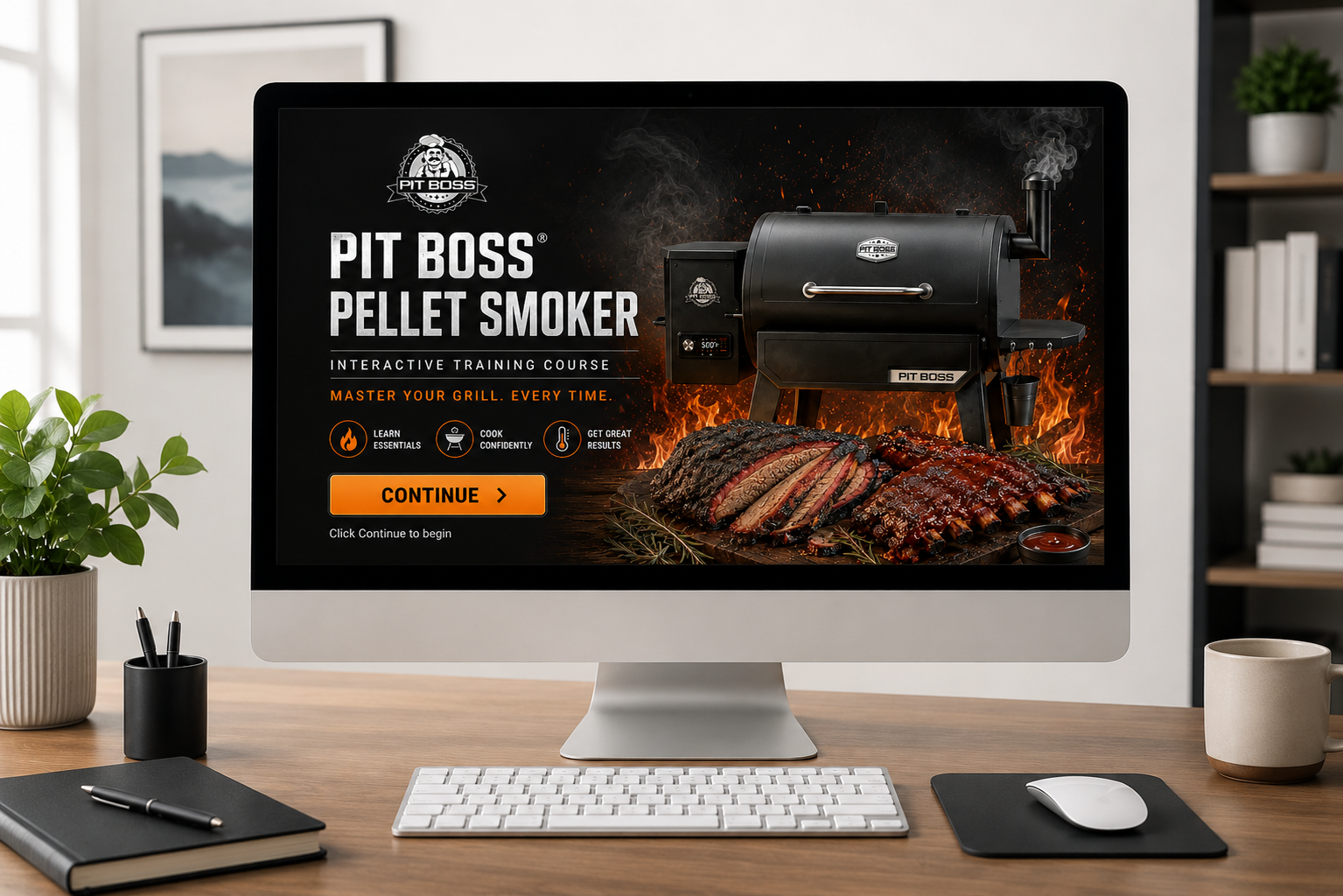
Rapid eLearning Development with AI: Smoker Training
Using photos from my phone, product documentation, and ChatGPT, I created a complete interactive smoker training experience in approximately one day while maintaining instructional design and visual quality standards.
Building Custom Asset Libraries
Creating a single image is useful. Creating an entire library of reusable assets is transformative.
For years, I relied on stock image libraries to build eLearning courses. While they offered thousands of graphics, I was often limited to whatever happened to exist. If I needed a technician wearing the correct PPE, a unique piece of equipment, a specific facial expression, or a custom environment, I usually had to compromise.
AI has completely changed that workflow.
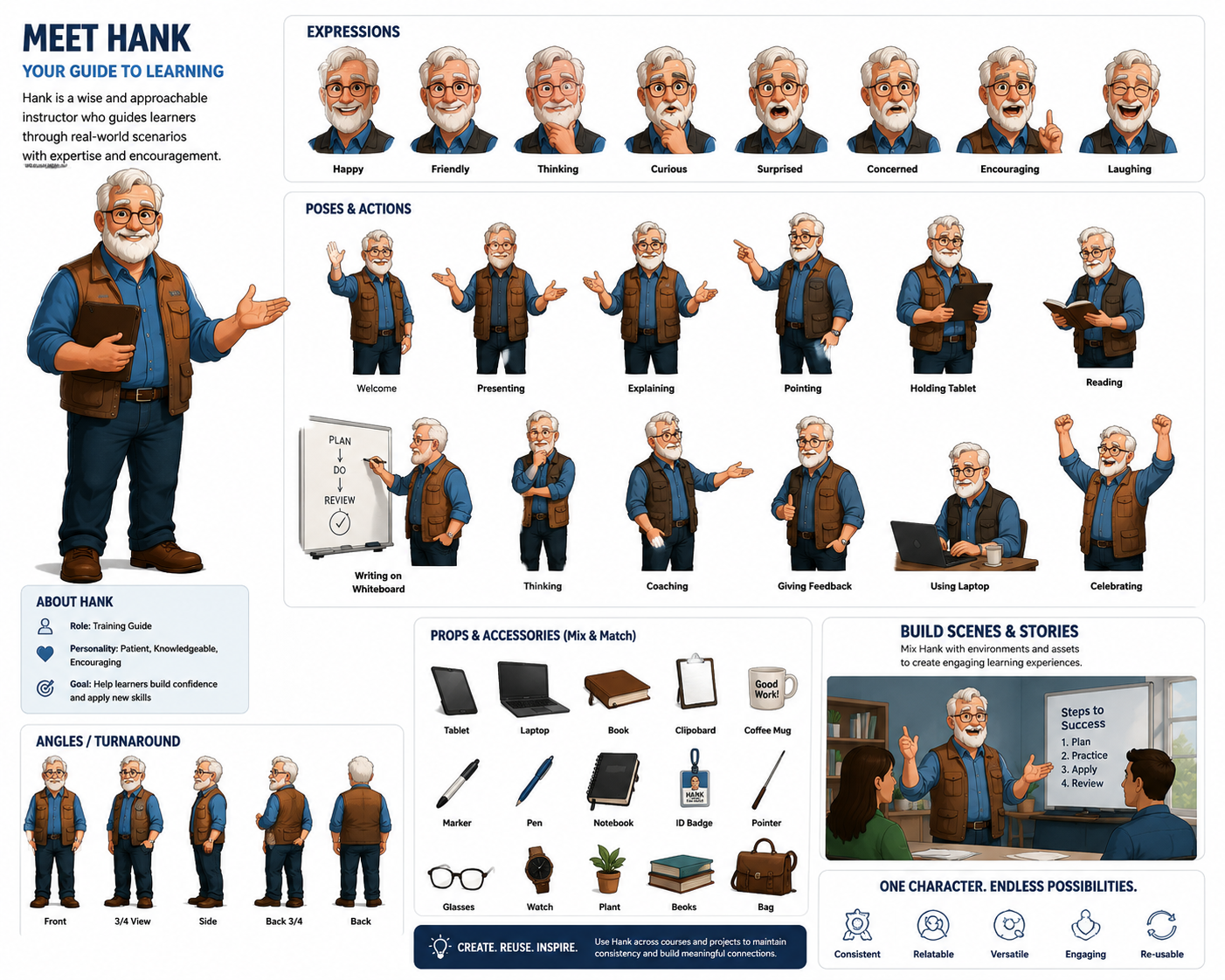
Instead of searching for the closest match, I can build custom asset libraries designed specifically for a project. A single character can be generated with dozens of expressions, poses, gestures, and viewpoints. Equipment can be illustrated from multiple angles. Backgrounds, workplace environments, props, and interface elements can all be created in a consistent visual style.
The result is a growing library of reusable assets that becomes more valuable with every project. Rather than starting from scratch each time, I begin with a collection of visuals that can be mixed, expanded, and reused to create realistic scenarios, interactive stories, and engaging learning experiences tailored to the audience and industry.